Seven steps: mine your reviews for the buying objection, write a script that answers it in the first three seconds, storyboard for silent mobile autoplay, shoot, edit placement-specific cuts, pass Amazon's content rules, then measure conversion. The workflow is identical whether you produce it on a phone, with a UGC creator, or through a studio.
The short version
- Write the script before you book anything. Production route is step four, not step one.
- The objection comes from reviews, not brainstorms. Shoppers have already written your script topic for you.
- Assume muted playback on a phone. Text overlays carry the argument, narration is a bonus layer.
- One shoot, several cuts. Listing, Sponsored Brands, and storefront want different lengths and ratios.
- The workflow ends at a conversion number, not at delivery.
The seven steps
- Mine the objection. Read your reviews and your top competitors' negative reviews, and write down the single doubt that stalls purchases, size, setup, durability, whatever repeats. One video, one objection. Videos that answer everything convince no one.
- Script the first three seconds. The proof moment goes first, the product surviving the drop, the setup finishing, the size against a hand. Then twenty seconds of supporting evidence, then the label close. Write on-screen text lines into the script now, they are your real narration.
- Storyboard for the placement. The listing player, Sponsored Brands video, and your storefront each trim differently. Note which frames must survive a square crop and where text can sit without the interface covering it.
- Choose the production route. This is where budget enters, and the comparison below covers it.
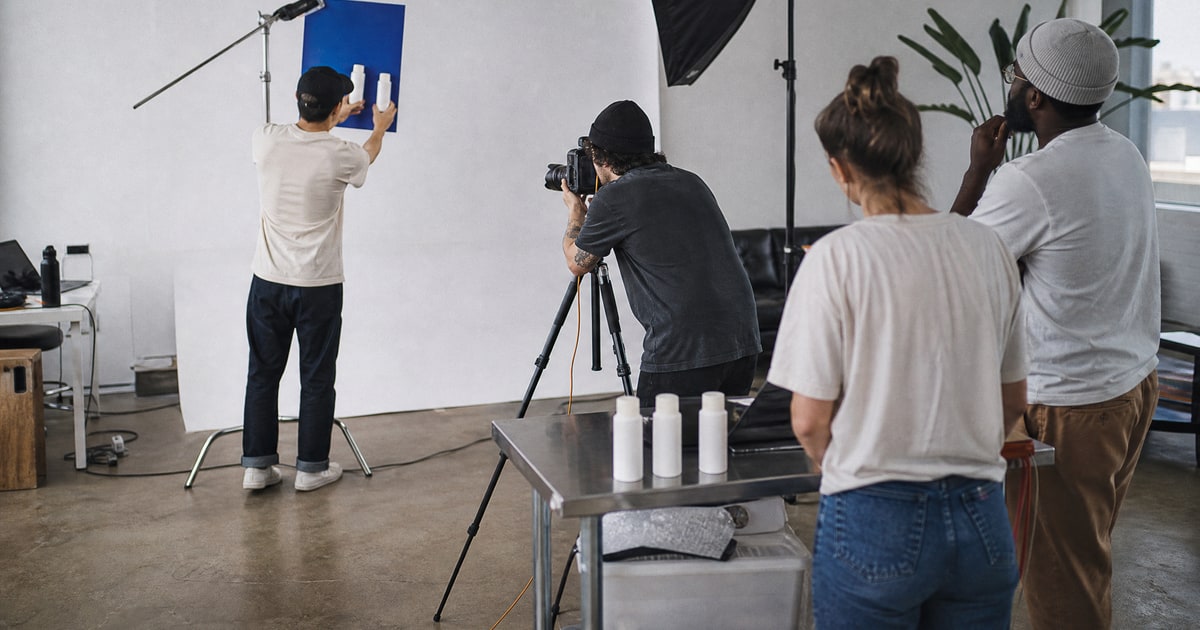
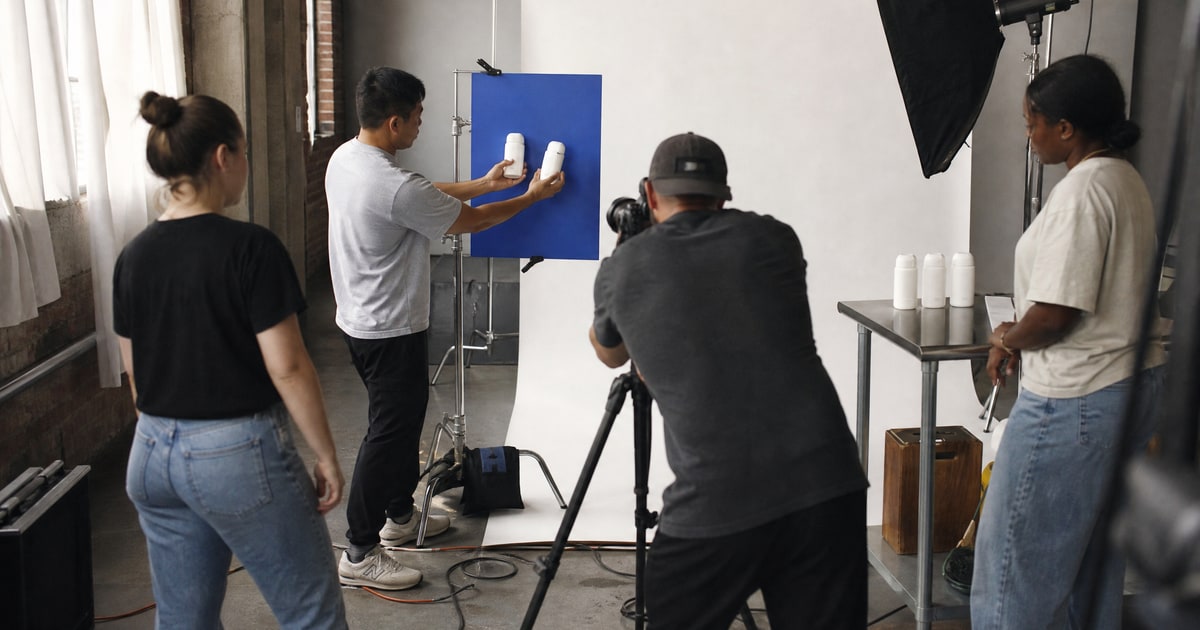
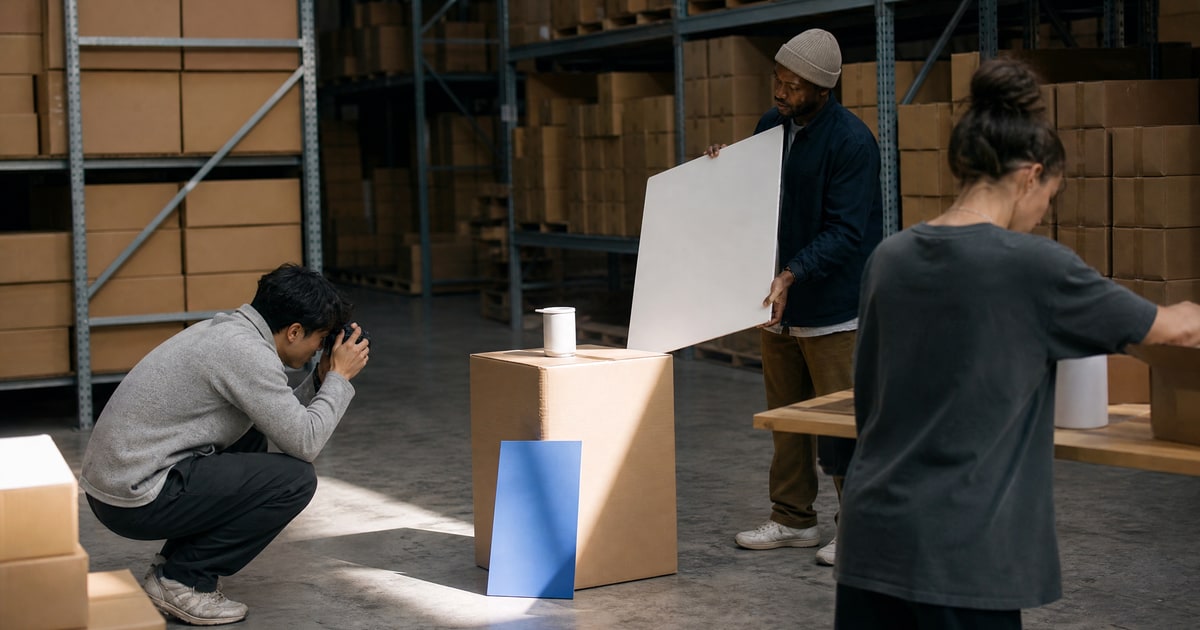
- Shoot for the edit. Capture each storyboard beat plus safety margins around the frame. Shoot more takes of the proof moment than feels necessary, it carries the whole video.
- Edit the variants and clear compliance. Cut the listing version first, then recut lengths and ratios per placement. Check every claim against Amazon's content rules before upload, one prohibited promise can cost the whole asset.
- Measure. Record conversion rate for a fixed window before and after the video goes live, price held steady. The video either moved the number or it did not, and that verdict writes the brief for your next one.
Phone, creator, or studio
The steps never change. Who executes them should, and stage decides it.
| Factor | Your phone | UGC creator | Studio production |
|---|---|---|---|
| Cash at risk | Lowest | Low to medium | Highest |
| Credibility on screen | High, reads as evidence | Highest | Lower, reads as advertising |
| Control of the storyboard | Total | Medium | High |
| Speed to first cut | Days | About a week | Weeks |
| Best fit | Validation-stage products | First proven product | Established hero SKUs |
The decision rule: match the cash at risk to the certainty of the product. A product still proving itself gets the phone or a single creator, because the footage may be obsolete in a quarter. A proven product with stable reviews and steady rank earns studio treatment, because the asset will run for years across placements.
The rule exists because of how outcomes actually distribute. The majority of the brands we manage reach profitability within their first year, and part of that is refusing to let costs run ahead of evidence, creative included. Hold any vendor, including us, to outcome numbers, and hold your video budget to the same test.
What video services will not tell you
Delivery is the middle of the workflow, not the end. A vendor's incentive stops at the approved file, so steps one and seven, the objection research and the conversion measurement, quietly become nobody's job unless you assign them. Those are also the two steps that decide whether the video makes money. When we produce video for a client brand, the brief starts from the same review mining that drives listing optimization, and the result is reported as a conversion delta, because a video that did not move conversion is a cost, however good it looks.
Related answers
- Best services for Amazon listing video production
- Best gear for shooting Amazon product clips at home
- Who can edit Amazon showcase videos fast
- Affordable Amazon product demo video creators
- Amazon creative services: the complete guide
If you want the whole workflow run for you, start with a free 48-hour audit from Flapen.