Key Takeaways
- Your primary image is the single highest-leverage element on your listing. It determines whether anyone clicks. If nobody clicks, nothing else on your listing matters.
- Product photography is a CTR and conversion rate optimization problem, not a camera equipment problem. Stop thinking about cameras. Start thinking about what makes someone click.
- Use negative reviews from competitors to determine exactly what your images need to communicate. The market tells you what to show. You do not guess.
- Match your photography investment to your launch phase. DIY for Phase 1 validation with 300 units. Professional for Phase 2 scale.
- Images affect performance across all 5 traffic channels, not just your listing page. Operators treat images as traffic infrastructure, not decoration.
Your Primary Image Is a CTR Problem, Not a Photography Problem
Most sellers think better product photography means a better camera. They research lighting kits, compare DSLRs, debate editing software. They are solving the wrong problem.
Your primary image is a click-through rate optimization problem. It is the only image shoppers see in search results. It determines whether anyone visits your listing at all. Your title, your reviews, your A+ content, your pricing — all of it is invisible if the primary image does not earn the click.
When we run a brand audit at Flapen, primary image CTR is the second thing we look at in the diagnostic sequence, right after listing copy. Across 300+ brand launches, this is consistently the single highest-leverage element. A primary image improvement often moves CTR more than any other single change.
Here is how operators actually think about this. Your primary image does not exist in isolation. It exists on a search results page next to 20 or 30 other listings. Every one of those images is competing for the same click. Your image is evaluated relative to competitors, not on its own merits.
Before you shoot a single photo, do this. Search for your target keywords on Amazon. Screenshot the results page. Study what the top 10 sellers are showing. Look at composition, angles, color contrast against the white background, product positioning. Now identify one pattern you can break to earn the click. That is image strategy. That is what moves CTR.
What Your Images Need to Communicate (Use the Market Data)
The industry says "differentiate your photos through creative angles, lifestyle staging, and unique compositions." I say read the negative reviews first.
This connects directly to what I call the Rating Gap Method. The principle is simple. Analyze negative reviews across the top competitors in your target market. Identify what customers are consistently frustrated about. Only then decide what your images need to communicate. If you have never mined reviews this way, our guide on reviews and feedback covers how to read low-star reviews as product data and pull the recurring themes out of them.
Here is what this looks like in practice. If competitors in your market get reviews saying "it was smaller than I expected," your image strategy must include a scale shot with a clear size reference. If reviews say "the color looked different in person," you prioritize true-to-life color editing over stylized photography. If reviews say "I could not tell how it worked from the listing," you include a clear infographic or demonstration shot.
The market tells you what images to create. You do not guess.
I do not differentiate products through creativity. I differentiate through feedback-driven innovation. The same principle applies to your images. Each of the 7 to 9 images in your gallery should answer a specific customer objection or question that already exists in the review data.
Think of your image set as a communication strategy, not a photography checklist:
- Primary image: Earns the click in search results. Clarity, contrast, product prominence.
- Images 2-3: Address the top 2 objections surfaced in competitor negative reviews.
- Images 4-5: Show the product in context. Scale, use case, environment.
- Images 6-7: Infographics communicating features and specifications the reviews show customers care about.
- Images 8-9: Social proof, lifestyle, or packaging shots to reinforce quality signals.
Every image has a job. If an image does not answer a question or overcome an objection that the data surfaced, cut it.
Our guide on product images and enhanced content lays out the same gallery sequence frame by frame, including where A+ content picks up after the last image.
Amazon Image Requirements You Need to Know
Compliance is baseline. Optimization is the goal. But you need to know the requirements because non-compliant images get suppressed, and a suppressed listing makes zero sales.
For primary images, Amazon requires a pure white background (RGB 255, 255, 255), the product filling at least 85% of the frame, minimum 1000 pixels on the longest side to enable zoom (1600 or more is the safer target), and supported formats (JPEG, PNG, TIFF, GIF, with JPEG preferred). No text, logos, watermarks, or props on the primary image. The product must be the product. Nothing else.
Secondary images give you more flexibility. This is where your negative review analysis pays off. You can use lifestyle shots, infographics, text overlays, comparison charts, and close-up detail shots. These images carry the persuasion load after the primary image earns the click.
The requirement to remember: your images must accurately represent the product. This is not just a compliance issue. It is a return rate issue. Misleading images create misaligned expectations. Misaligned expectations create returns. Returns kill profitability. Accuracy is not a nice-to-have. It is a profitability decision.
The Minimum Viable Photography Setup
For a Phase 1 validation launch with 300 units and a $5K to $10K budget, you do not need a $2,000 photography setup. You need clarity, consistency, and compliance.
Here is the minimum viable setup:
- Camera: A recent smartphone (an iPhone 14 or newer, or the Android equivalent). The bottleneck for most sellers is not camera quality. It is lighting and composition.
- Tripod: A basic phone tripod. $15 to $30. Eliminates blur and ensures consistent framing across your image set.
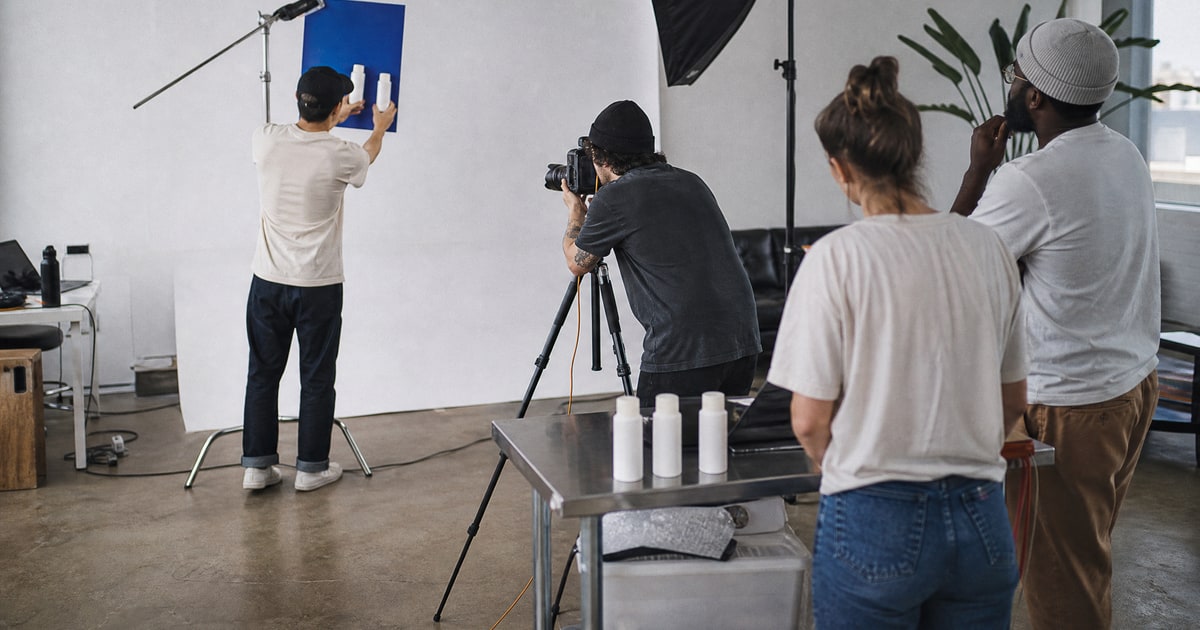
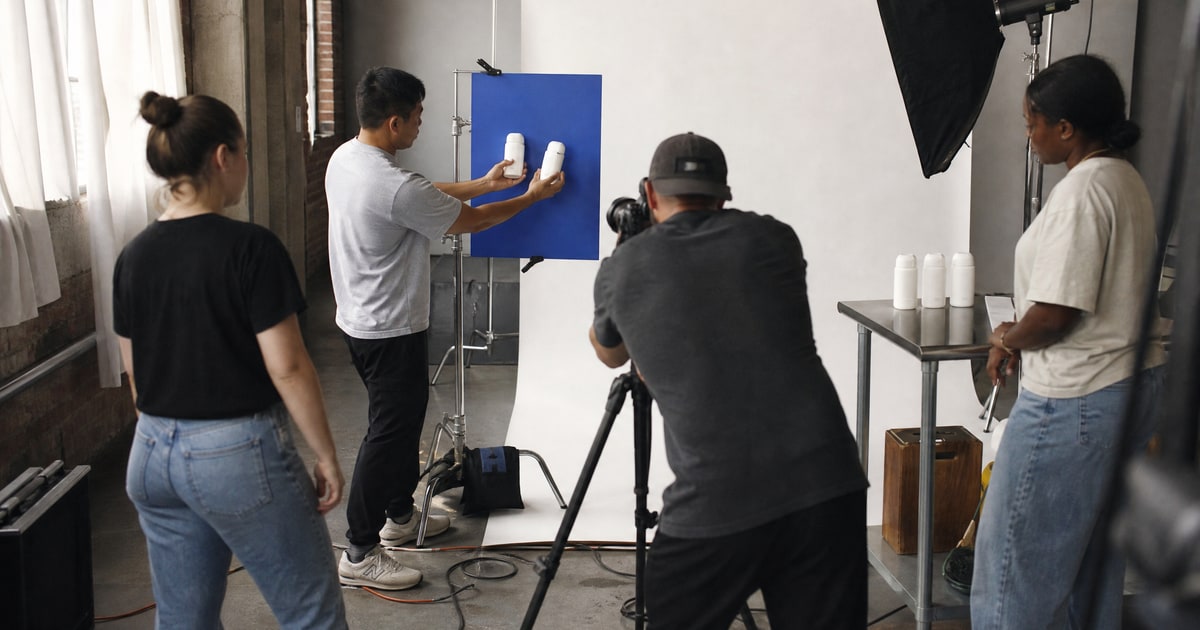
- Lighting: Two softbox lights or strong natural window light with a white foam board reflector to fill shadows. Lighting is the only technical variable that consistently separates amateur-looking images from professional-looking ones. Prioritize lighting over everything else.
- Backdrop: White foam board or a sweep of white poster board. Total cost under $10.
Total investment: $50 to $200. That is Phase 1 territory.
For editing, three things matter: white balance correction so the white background is actually white, background cleanup for compliance, and accurate color representation. Accurate color reduces return rate. Tools like Lightroom Mobile or Snapseed handle all three. The tool is not the point. The decisions you make with it are.
Do not over-invest in equipment during validation. Validate before you commit capital. This applies to creative assets the same way it applies to inventory. Your goal at Phase 1 is establishing product-market fit, not winning photography awards. Spend your budget on inventory and initial traffic activation.
How Images Affect All 5 Traffic Channels
Most sellers think about images only in the context of their listing page. Operators think about images as traffic infrastructure that compounds across every channel you activate.
Here is how this breaks down across the 5 traffic channels:
Organic. Your primary image CTR determines whether organic impressions convert to clicks. You can rank on page one and still get zero sales if your image does not earn the click. Strong organic ranking with a weak primary image is wasted positioning.
Advertisement. This is where most sellers leave money on the table. Image ads and video ads are still underutilized relative to text ads, and they consistently deliver higher ROAS. But if your product images are weak, you cannot run these formats effectively. The creative asset is the ad. Poor images mean poor ad performance. Most sellers use 2 out of 5 traffic channels. The ones who activate image and video ads with strong creative assets outperform because they are competing in a less crowded format.
Promotion. Deal and promotion placements feature your primary image. The same CTR logic applies. A weak image in a Lightning Deal is a wasted promotional slot.
Influencer. Creator content through the Amazon influencer program often uses your product images as source material, thumbnails, or reference imagery. Better images mean better creator content.
Off-channel. Blog posts, social media, and external platforms all need visual assets. If your product images are strong enough to use across channels without modification, you reduce creative costs and maintain brand consistency everywhere.
The upfront investment in strong images compounds across every channel. This is why I treat photography as infrastructure, not a one-time project.
When to DIY vs. When to Invest in Professional Photography
This is a capital allocation decision. Not a quality preference.
Phase 1: Validation (300 units, $5K to $10K budget). DIY photography with proper lighting and staging is sufficient. Your goal at this stage is validating product-market fit, not perfecting every asset. You are testing whether this product converts, whether the return rate is acceptable, and whether you can acquire customers profitably through at least 1 of the 5 traffic channels. You do not need a $500-per-image photography package to answer those questions.
Phase 2: Scale (validated product, committed capital). Professional photography becomes a high-ROI investment. At this stage you have data confirming the product converts. Your rating is stable. Your cost of customer acquisition is proven. Better images amplify what is already working. They improve CTR, boost conversion rate, and create assets you can deploy across all 5 traffic channels.
At Flapen, we run an in-house studio in Dubai specifically for this stage. In-house, not outsourced, which is why clients get shots in days instead of weeks. For agency clients scaling validated brands, professional photography is part of the growth playbook. For a first validation run, it is not necessary.
The question is not "can I afford professional photos?" It is "have I validated this product enough to justify the investment?"
Here is what actually works. Spend your Phase 1 budget on inventory, initial traffic activation, and basic compliant images. Once your data shows product-market fit, allocate professional photography budget as part of your Phase 2 scale investment. Not before. If you are not sure what Phase 1 can absorb, the free launch cost calculator shows where the capital actually goes: landed inventory cost, launch ad spend, and the peak capital you carry before break-even. Size your photography budget against that, not against what a camera costs.
How to Measure Whether Your Images Are Working
The data tells you whether to invest in better images. Not your gut feeling.
Here is the diagnostic sequence from the Brand Audit Framework, applied specifically to images:
Step 1: Check primary image CTR. Amazon Brand Analytics and your Sponsored Products campaign data both surface click-through rate. Compare yours to the category benchmark. If your CTR is below average, your primary image is likely the bottleneck. This is the first and highest-leverage fix.
Step 2: Check conversion rate. If CTR is healthy but conversion rate is low, the primary image is probably fine. The issue is more likely your secondary images, A+ content, pricing, or reviews. Do not reshoot your primary image to fix a conversion problem that lives elsewhere in the listing. Flapen's listing optimization scores a live listing against the top performers in its category and ranks each fix by estimated revenue impact, so you know whether the copy or the gallery is costing you the sale.
Step 3: Check return rate and return reasons. If returns cite "looks different from photos," "not what I expected," or "smaller than pictured," your images are creating misaligned expectations. This is a photography problem that directly affects profitability. Fix the accuracy of your images before anything else.
This connects to the Scale / Fix / Kill decision framework. If your images are the diagnosed bottleneck, fix them. Reshoot, retest, remeasure. If the data shows images are not the problem, do not waste time and money reshooting. Move to the actual bottleneck.
The operators who win are not the ones with the best cameras. They are the ones who measure, diagnose, and fix based on data. Your images are a conversion lever. Treat them like one.
Your product images are not a creative exercise. They are a measurable component of your listing's conversion system. The primary image earns the click. The secondary images address the objections the market already told you about in the reviews. And the data tells you whether any of it is working.
Here is your actionable directive for this week. Go to Amazon and search for your primary keyword. Screenshot the search results page. Study the top 10 primary images. Identify one thing your image can do differently to stand out and earn the click. That single exercise will teach you more about product photography than any equipment guide.
If you want to see exactly what a complete Amazon launch looks like from start to finish, including listing and image optimization, I have put together a free launch roadmap that covers every step.
And if you simply do not have the time to do this yourself and you want a team that does this every single day to manage your brand, that is what we do at Flapen Agency. Book a call.