Key Takeaways
- Your main image is a click-through rate problem, not a photography problem. If impressions are high but clicks are low, the main image is failing.
- Build your lifestyle images from negative review data, not creative instinct. The market tells you exactly what to shoot.
- Treat your 7 image slots as a conversion sequence where each slot serves a specific purpose in moving the buyer from curiosity to purchase.
- One product shoot should produce assets for all 5 traffic channels: organic, advertisement, promotion, influencer, and off-channel.
- If your conversion rate is low, no amount of ad spend fixes it. Images are the first diagnostic lever.
Most sellers treat Amazon images as a checkbox. Upload 7 photos, make them look decent, move on to ads. That is backwards.
Your images are the single biggest lever you have for both click-through rate and conversion rate. When I audit a struggling listing, the first two things I look at are primary image CTR and conversion rate. 8 times out of 10, the images are the bottleneck. Not the ads. Not the keywords. The images.
This is the pattern I have seen across 300+ brand launches at Flapen. The listings that convert treat their image set as a system. Each image has a job. Each image answers a specific buyer question. Each image moves the visitor one step closer to the purchase.
The listings that underperform treat images as decoration.
I am going to walk you through the operator approach to Amazon product images. Not generic photography tips. The actual framework we use for every brand we launch. How to think about your main image as a CTR lever, how to build lifestyle images from customer data instead of creative guesswork, and how to diagnose whether your images are the bottleneck killing your sales.
One reference point before we start. When we onboarded Aubrey's brand, the listing was struggling. Within the first month, we drove a 40% conversion rate increase. Listing optimization, including images, was a major part of that lift. Images are not a nice-to-have. They are conversion infrastructure. If you want the wider pattern across a larger sample, I pulled apart what separates high-converting image sets from average ones.
Your main image is a CTR problem, not a photography problem
Here is how operators actually think about the main image. It is not about making your product look pretty. It is about winning the click in search results.
Your main image is the only image that shows up in search results and in Sponsored Products ads. Every other image in your listing is irrelevant if nobody clicks through to see them. Primary image CTR is the single highest-leverage element in your listing because it determines whether anyone even sees the rest of your page.
If your impressions are high but clicks are low, your main image is failing. That is the diagnosis. Not your keywords. Not your price. Your main image.
Amazon main image requirements
Your main image must comply with Amazon's technical requirements. Non-compliance can get your listing suppressed.
| Requirement | Specification |
|---|---|
| Background | Pure white (RGB 255, 255, 255) |
| Product fill | Product must fill 85% or more of the image frame |
| Content | Actual product only. No props, no text, no logos, no watermarks |
| Image type | Photograph of the actual product. No renders, no illustrations, no AI-generated composites |
| File format | JPEG (.jpg), PNG (.png), TIFF (.tif), or GIF (.gif) |
| Minimum dimensions | 1,000px on the longest side to unlock zoom. 1,600px or larger is what you actually want |
| Aspect ratio | 1:1 recommended for consistent display across devices |
Compliance is the floor. It gets you into the game. Winning the click is the actual objective. Amazon layers category-specific exceptions on top of these rules, so pull your category template before the shoot. The full spec breakdown lives in Amazon's product image requirements.
How to test and optimize
Now let me show you what this looks like with real data. We shoot multiple main image variations for every product we launch. Different angles, different compositions, different lighting setups. Then we test them.
You can measure main image performance two ways:
- Manage Your Experiments. Amazon's built-in A/B test, available to Brand Registered sellers. Split traffic between two main images and let Amazon measure which one generates more sales.
- Ad campaign CTR comparison. Run Sponsored Products campaigns with different image variations and compare click-through rates across campaigns.
The key insight most sellers miss: your main image IS your ad creative in Sponsored Products. A bad main image means bad ad performance regardless of your bid strategy or keyword targeting. You cannot out-spend a weak main image.
This connects directly to a broader principle. If your conversion rate is low, no amount of ad spend fixes it. And conversion starts with the click. The click starts with the main image.
Build your lifestyle images from customer data, not creative instinct
The industry says "show your product in an aspirational setting." Hire a model. Put the product in a nice kitchen. Make it feel premium. That is guesswork dressed up as strategy.
Here is how operators actually think about this. I read negative reviews of competing products and build lifestyle images that directly address the complaints and confusion customers already have.
This is the Rating Gap Method applied to your image strategy. The same principle I use for product differentiation applies to how you photograph and present your product. You do not guess what customers want to see. They have already told you. In writing. At scale. For free.
How negative reviews become your shot list
Here is the process.
Pull up the top 5 to 10 competitors in your market. Read their negative reviews. Look for patterns. Specifically, look for complaints about:
- Size confusion. "I didn't realize how small this was." That means you need a scale shot showing your product next to a common reference object.
- Use case mismatch. "This doesn't work for outdoor use" or "I thought this was for kids." That means you need lifestyle images showing exactly who this product is for and where it is used.
- Quality perception. "It looked cheap in person" or "the materials felt flimsy." That means you need close-up detail shots showing texture, build quality, and craftsmanship.
- Assembly or setup confusion. "I couldn't figure out how to use it." That means you need a step-by-step or in-use lifestyle image showing the product being used correctly.
Each complaint pattern becomes a specific shot on your production list. This is feedback-driven innovation applied to your image set. You are not inventing what to show. The market is telling you.
Lifestyle images reduce returns
This connects to a metric most sellers overlook when planning their images: return rate.
Lifestyle images that accurately show scale, context, and real-world application set correct buyer expectations. When customers can see exactly how the product looks in their home, how large it is relative to common objects, and who it is designed for, they make better purchase decisions.
Fewer surprises means fewer returns. Return rate is one of the core metrics that determines long-term profitability. It belongs next to margin, velocity, and ad efficiency in the profitability review you should be running every quarter. A product with a 15%+ return rate is structurally unprofitable regardless of how many units you sell.
Images that mislead buyers to get the click drive returns up. Images that accurately represent use cases bring returns down. This is not a creative decision. It is a profitability decision.
The image set is a conversion sequence, not a photo gallery
So the real question becomes: how do you structure all 7 image slots to work together as a system?
Most sellers fill their image slots with whatever photos they have. A few product shots, a couple of lifestyle images, whatever else the photographer delivered. No sequence. No strategy.
Here is the framework we use across 300+ brands. Each slot has a specific job in moving the buyer from "what is this?" to "I need this."
Most categories give you the main image plus six gallery slots. Some allow more, and a few restrict what you can put in them. Check your category template before you build the shot list. The sequence logic holds either way.
| Slot | Purpose | What it does |
|---|---|---|
| 1. Main image | Win the click | CTR from search results and ads. Compliance required. Cleanest, most compelling angle of the product. |
| 2. Hero infographic | Communicate the key differentiator | What makes this product different from every other option? One clear value proposition with a text overlay on a product image. |
| 3. Lifestyle context | Show who this is for and where it is used | Real-world setting with the target customer using the product. Built from negative review data, not creative instinct. |
| 4. Feature breakdown | Highlight specific benefits | 3 to 5 key features with callouts and text overlays. Answer "what does this do?" with specifics. |
| 5. Scale and dimensions | Eliminate size confusion | Product shown next to a common reference object or with clear dimension callouts. Directly reduces returns. |
| 6. Social proof or comparison | Build trust | Customer quote overlay, award badge, or side-by-side comparison with competitors on key features. |
| 7. Emotional close or packaging | Final push | Aspirational lifestyle image or packaging/unboxing shot that reinforces quality and creates anticipation. |
Plus a video. Always include a video. It is another slot Amazon gives you and most sellers leave it empty.
The sequence matters. Slot 1 gets the click. Slot 2 immediately tells the buyer why this product is different. Slots 3 through 5 answer every practical question and objection. Slots 6 and 7 build trust and create desire.
Leaving image slots empty is leaving conversion rate on the table. Every empty slot is a buyer question you did not answer. Every unanswered question is a reason to click back and buy from someone who did answer it. The same sequence, plus the A+ Content layer that sits underneath it, is written up in our images and A+ Content guide.
For reference, here is how main images and lifestyle images differ across the key dimensions:
| Dimension | Main image | Lifestyle images |
|---|---|---|
| Where it shows | Search results, ads, listing gallery | Listing gallery only |
| Primary job | Generate clicks (CTR) | Convert visitors into buyers |
| Background | Pure white, required | Flexible: real settings, styled scenes, colored backgrounds |
| Text and graphics | Not allowed | Text overlays, callouts, infographics all permitted |
| People and props | Not allowed | Models, hands, props, real-world context encouraged |
| Data source for planning | CTR testing, A/B experiments | Negative review analysis, return rate data |

How to know if your images are the problem
OK so why does this matter for your specific situation? Because most sellers do not know whether images are actually their bottleneck. They assume it is ads, or price, or keywords.
Here is the diagnostic framework, pulled directly from the Brand Audit process we run for every brand at Flapen.
Diagnosis 1: Low CTR
If your impressions are high but your click-through rate is below category average, your main image is the problem. Full stop.
The fix: shoot new main image variations. Test different angles, compositions, and lighting. Run A/B tests through Manage Your Experiments. Compare CTR data across ad campaigns. Primary image optimization is an ongoing process, not a one-time decision.
Diagnosis 2: Decent CTR but low conversion rate
If people are clicking through but not buying, your gallery images are failing to convert. The main image did its job. The buyer is on your listing, scrolling through your images, and something is not convincing them.
The fix: review your 7-slot sequence against the framework above. Are you answering every practical objection? Do your lifestyle images match what buyers expect? Is there a scale shot? Check your return rate data too. If returns are high and reviews mention surprises about size, quality, or use case, your images are setting wrong expectations. For a second read on the listing itself, run the ASIN through Flapen's listing optimization tool. It scrapes the live page and shows you what the category leaders are answering that you are not. The failure patterns I see over and over are catalogued in the image mistakes that kill conversion rate.
This is the critical connection most sellers miss. Images affect both conversion rate and return rate. Both feed directly into your cost of customer acquisition. Better images mean more buyers per click and fewer returns per sale. That is how you lower your cost of customer acquisition across the board.
One more point. If your conversion rate is persistently below category average despite image optimization, you may have a deeper product-market fit issue. That is where the Scale/Fix/Kill framework comes in. Images are the first lever to check. But they are not the only lever.
Your product shoot fuels all 5 traffic channels
Let me break this down further. Most sellers plan a product shoot for their Amazon listing and stop there. That is one channel out of five.
Operators plan a shoot that produces assets for all 5 traffic channels. One investment, five outputs.
Organic. Main image and gallery images for your listing. This is what most sellers plan for. It is the starting point, not the finish line.
Advertisement. Your main image is your Sponsored Products creative. But image ads and video ads, the formats with the highest return on ad spend, need their own assets. If you are only running text ads, you are leaving the highest-performing ad formats on the table because you do not have the creative to run them.
Promotion. Deal pages and Lightning Deals use your images. The quality of those images affects deal performance directly.
Influencer. Content creators in the Amazon influencer program need product imagery that matches their aesthetic. Shooting additional lifestyle content in a creator-friendly style means influencers can feature your product without needing to reshoot everything.
Off-channel. Social media content, blog imagery, external marketing. If you are driving traffic from Instagram, TikTok, or a blog, you need images optimized for those platforms. Not just for Amazon's listing format.
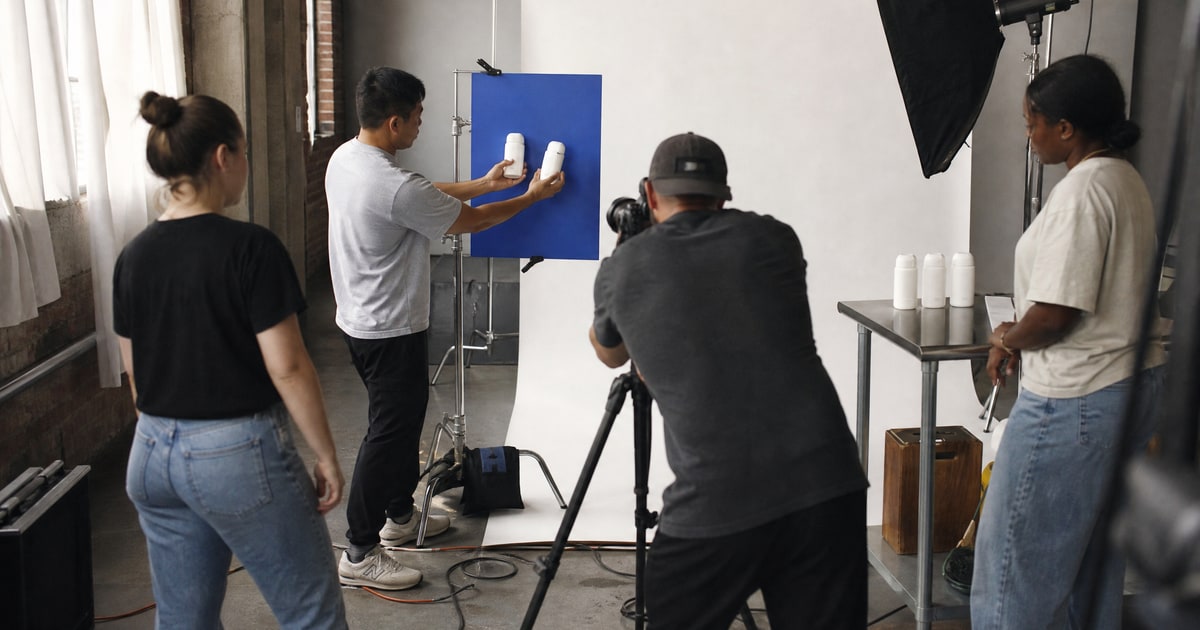
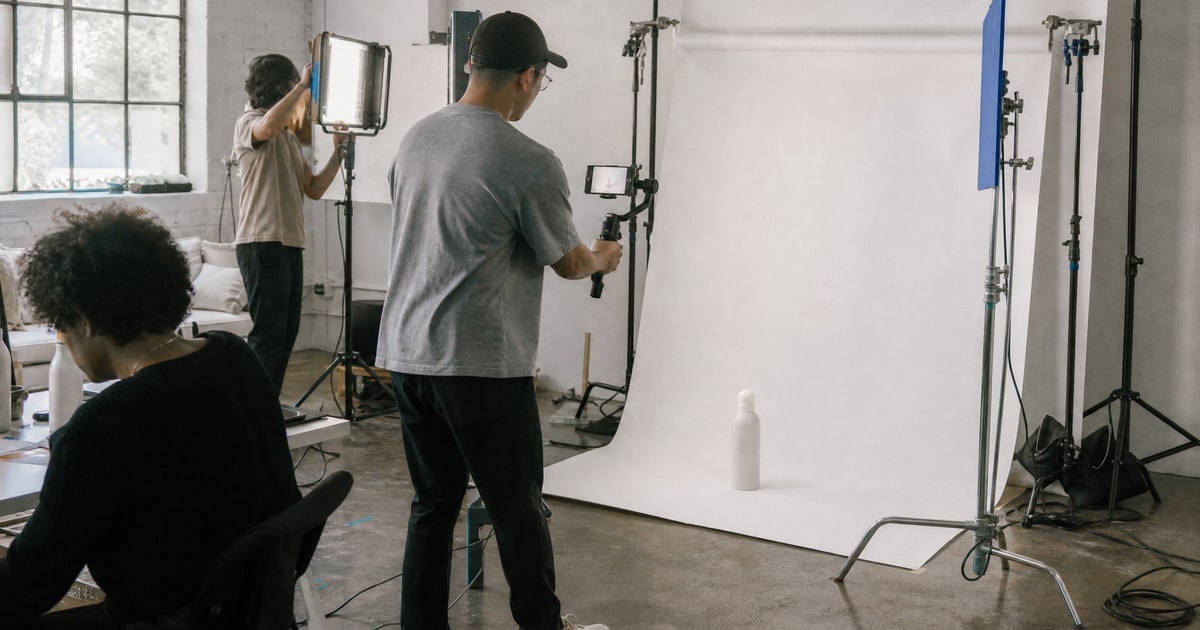
We plan shoots at our Dubai studio with all 5 channels in mind. Before a single photo is taken, we inventory every channel where visual assets will be needed. The shot list is built from that inventory.
Here is the actionable directive. Before your next product shoot, list every channel where you will need visual assets. Build the shot list from that inventory, not from "what will look good on the listing." A single well-planned shoot can produce your listing images, ad creative, social content, and influencer-ready assets in one session.
Your images are not decoration. They are the conversion infrastructure of your listing. Primary image drives CTR. Gallery images drive conversion rate. Both affect return rate. All of it connects to your cost of customer acquisition.
Here is what to do this week. Pull up your listing. Check your CTR data from your ad campaigns. Check your conversion rate in Business Reports. If either is below category average, your images are the first place to look. Run the diagnostic. Low CTR means main image problem. Low conversion with decent CTR means gallery image problem. Fix the specific bottleneck, not everything at once.
If you want to run the numbers on your specific product idea, we built a profit forecast dashboard inside Flapen that calculates your chance of success, your P&L, and your cash flow. You can try it free.
If you want to see exactly what a complete Amazon launch looks like from start to finish, including the image strategy, our free Amazon guides walk through every phase. And if you would rather have the team run it end to end, that is what Flapen's FBA Launch is for.